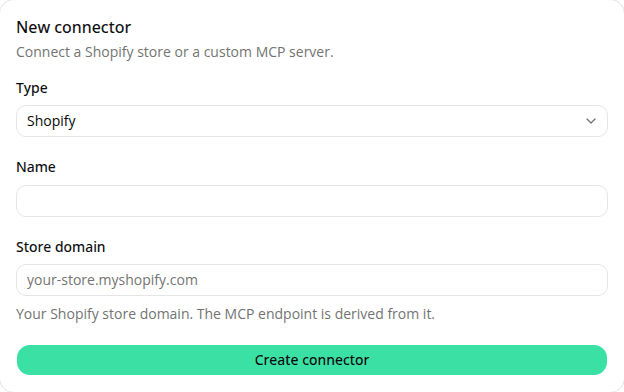
Connectors: give your agents tools from Shopify or a custom MCP server
AddedYou can now give your agents tools by connecting them to a Model Context Protocol (MCP) server. Open the new Connectors section in the dashboard to set one up.
Two types of connector:
- Shopify: point at your store by its domain.
- Custom: point at any remote MCP server by its HTTPS URL, with an optional bearer token. The token is stored encrypted and never shown back to you.
A connector's detail page lists the tools the server exposes and lets you switch each one on or off; Refresh tools re-discovers them from the live server.
To put a connector to work, link it to an agent's configuration version. You can pick from your existing connectors or create one inline without leaving the form. The set of connectors a version uses is fixed for that version (changing it mints a new version, the same as editing instructions), while the connectors themselves stay editable in place.
When an agent calls a tool, the call and its result show up inline in the playground as you chat, and in the read-only conversation transcript afterward, so you can always see what the agent actually did.
Resources