Manage who has access to your organization
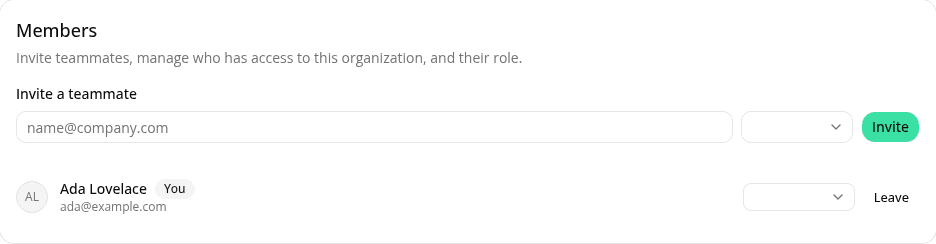
AddedYour organization's Settings page (in the dashboard sidebar) now lists everyone with access and lets you manage it directly:
- Invite a teammate by email. The invitation email is sent by WorkOS, our identity provider, using its own default template; there's nothing to configure. Once they accept and sign in, they show up as an active member.
- See pending invitations (who was invited, when, and when the invitation expires) and revoke one before it's accepted.
- Remove a member, or leave the organization yourself, each behind a confirmation step.
There are no roles yet: every active member has the same access, including the ability to invite or remove others. An organization can never be left with zero active members: removing the last one is blocked.
See Members for the full walkthrough.
Resources