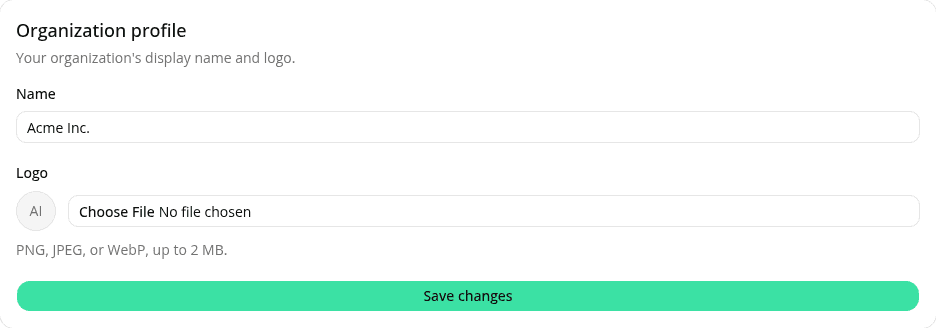
Edit your organization's name and logo
AddedSettings now has an Organization profile card, above Members. Admins can rename their organization and upload a logo; Members see both, read-only.
Renaming updates our dashboard and WorkOS, our identity provider, in the same save, so invitation emails and the hosted sign-in page pick up the new name too. If the WorkOS update fails, nothing is saved.
Logos accept PNG, JPEG, or WebP up to 2 MB (no SVG). Clearing a logo falls back to initials, the same fallback shown before any logo is set.
See Organization profile for the full walkthrough.
Resources