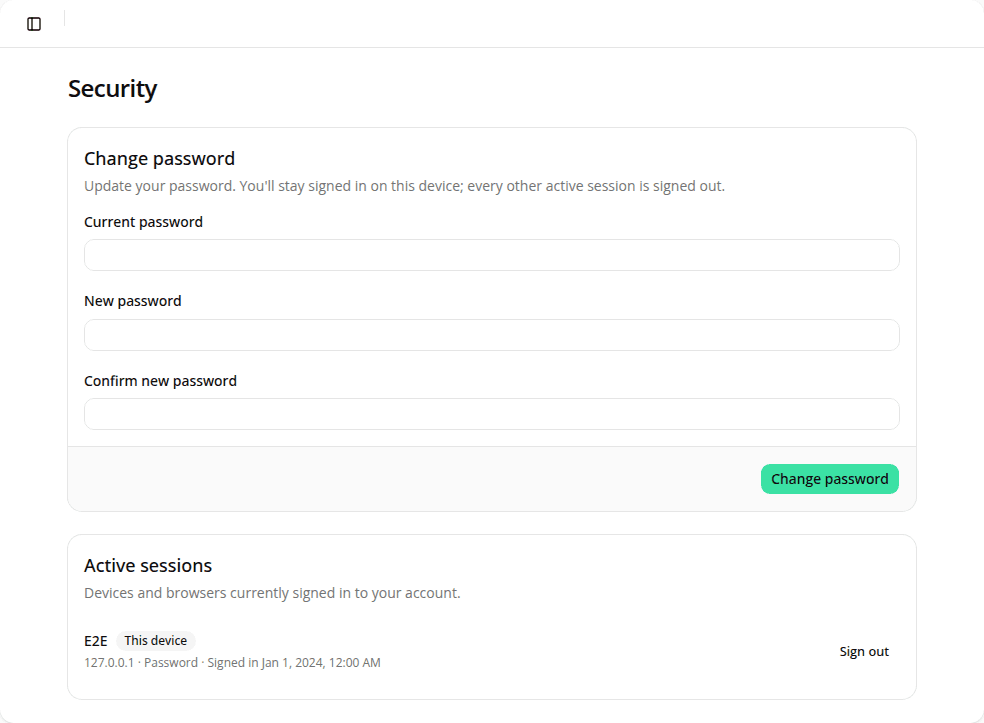
Change your password and manage active sessions
AddedYour account has a new Security page, next to My account in the sidebar user menu.
Change password lets you set a new password without leaving the dashboard: no more going through the "forgot password" email flow just to rotate a password you still remember. Enter your current password and a new one; once it's confirmed, every other active session on your account is signed out automatically. The device you made the change from stays signed in.
Active sessions lists every device and browser currently signed in to your account, with its IP address, sign-in method, and when it started. Your current session is flagged This device. Sign out of any single session, or use Sign out of all other devices to clear every session but your own in one action, useful if you left yourself signed in somewhere, or just want a clean slate.
Resources