Jump directly between Account pages
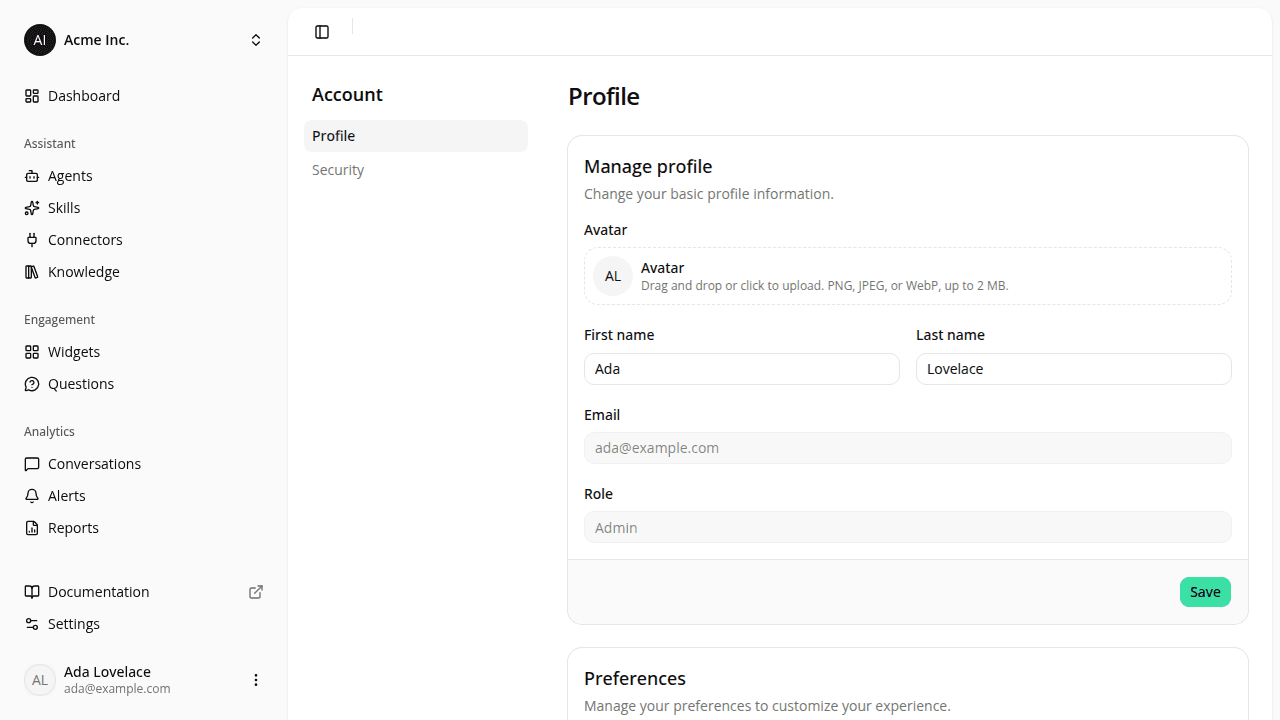
ChangedYour account pages, Profile and Security, now share an Account panel next to the page content, with the current page picked out. On a narrower screen, it collapses into a button that opens the same panel as a drawer, with a Back control to close it.
You can now move between Profile and Security directly from either page. The avatar menu at the bottom of the sidebar still opens both too; nothing changes there.
Resources