Add a logo and brand color to each site
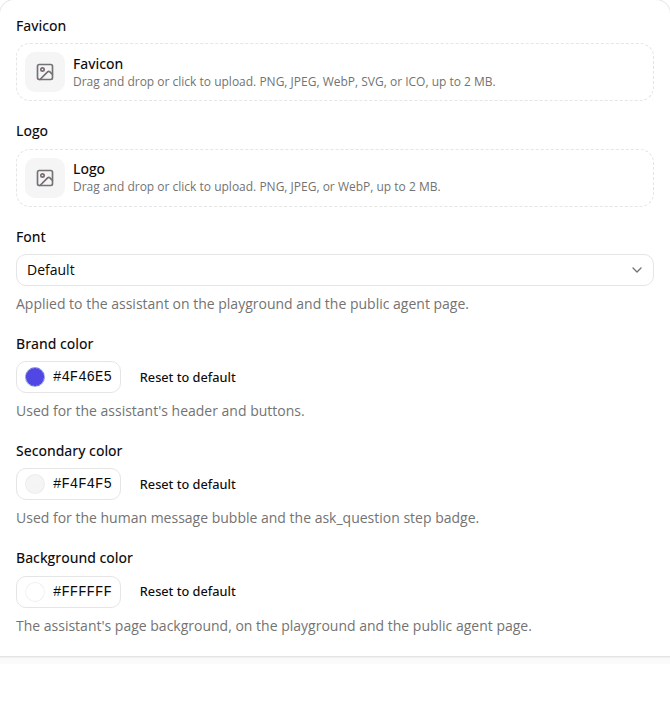
AddedEach site now has its own Branding settings page. Upload a logo (PNG, JPEG, or WebP, up to 2 MB) and pick a brand color for the assistant's header and buttons.
Both fields are optional: a site with neither set keeps the assistant's default styling.
This is a first step: today it's logo and one color, no secondary or accent color yet, and there's no public-facing embeddable widget for the branding to apply to; it's stored per site for now.
Resources