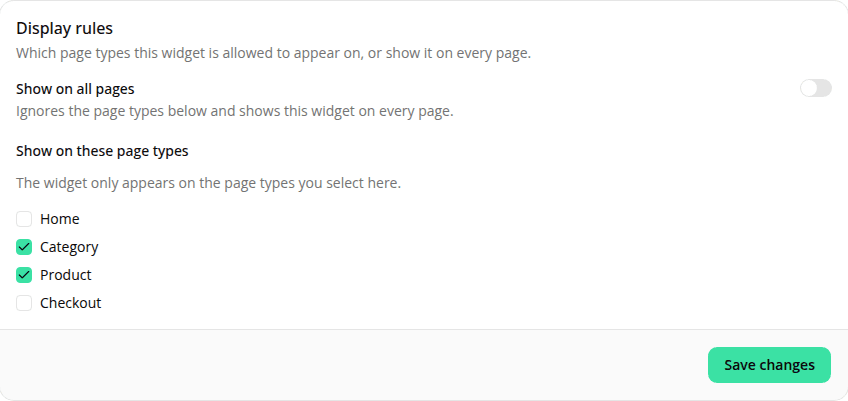
Target an engagement widget at every page with one switch
AddedEach engagement widget's Display rules card now has a Show on all pages switch, above the Show on these page types checklist. Turn it on and the widget renders on every page type, full stop. The checklist below is hidden while it's on and has no effect on where the widget appears.
Turning Show on all pages back off brings the checklist straight back with whatever page types you had selected before. Nothing is cleared either way, so you can flip between the two modes without losing your page-type picks.
Checking every current page type already got you close to the same result, but not quite: a widget with every current box checked won't automatically pick up a page type added later, while a widget with Show on all pages on will. This also removes a common failure mode: a widget you meant to show everywhere but forgot to update after we added a new page type.
Nothing changes for a widget with Show on all pages left off (the default, unchanged for every existing widget): an empty page-type list still means the widget renders nowhere, and a non-empty one still works as the allow-list it always has.
Resources