A new widget starts closer to live
ChangedThree changes to how you add and check an engagement widget, all aimed at the same thing: fewer steps between picking a format and shoppers seeing it.
A new widget arrives active and already targeting somewhere
Creating a chat bubble or question bar used to leave it inactive with no page types selected: two switches you had to remember to flip before publishing did anything. Now a new widget starts active, and already targeting a sensible default for its format: Show on all pages for a chat bubble or question bar, every page type for a button or Starters. Publishing is the one deliberate step left: nothing reaches your shoppers until you do that, whatever else is already set.
The catalog leads with two formats, not four
The New widget catalog now puts our two recommended starting points first (Question bar in Floating, Starter questions in Inline), and the empty state you see before creating your first widget shows only those two, plus the full catalog one click away. Fewer decisions up front for a first widget; every format is still there when you want it.
The preview scrolls, so you can see what your widget sits on top of
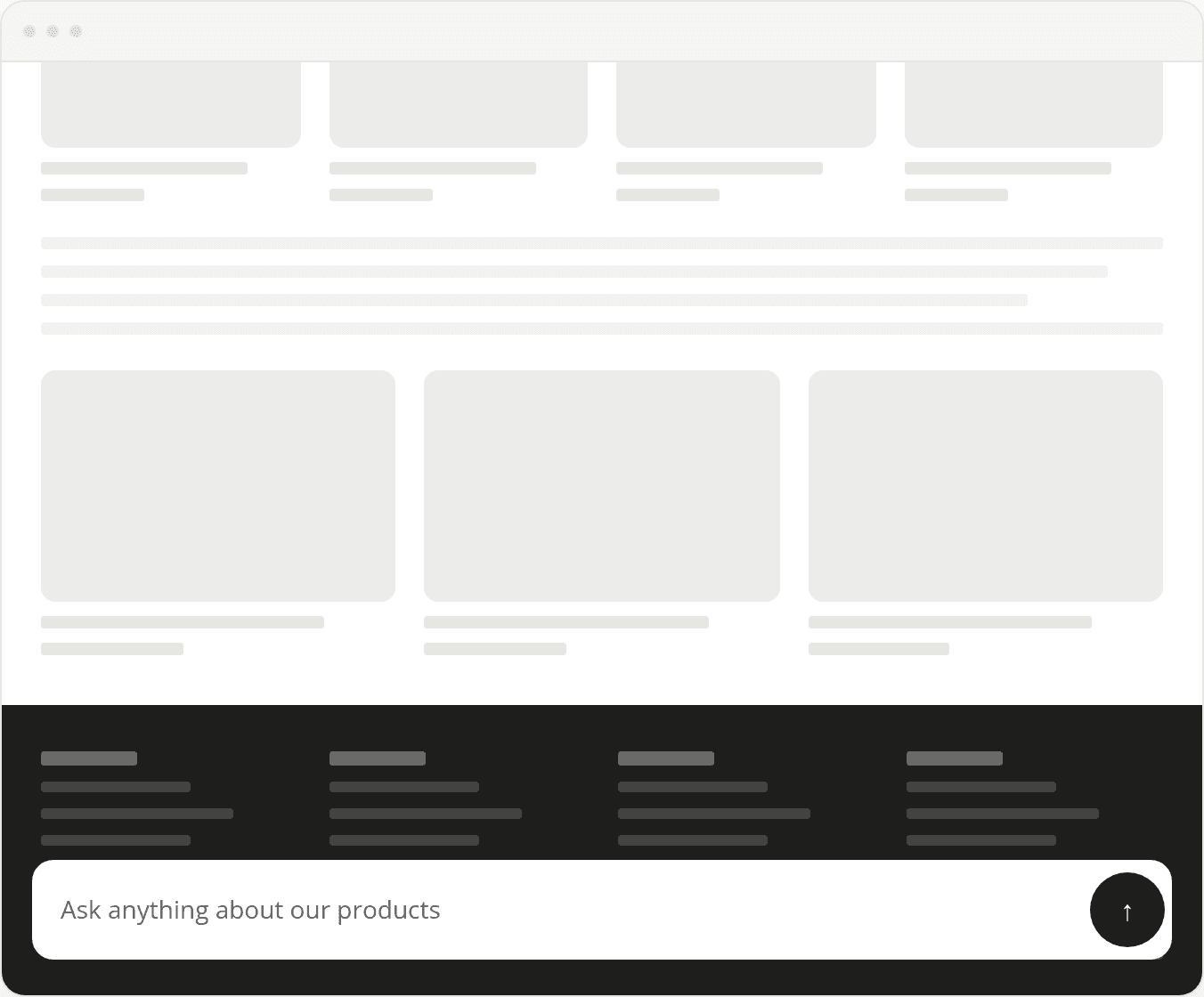
The preview's Template view now draws a real page-type wireframe (a home page, a category grid, a product page with its own add-to-cart), and that wireframe is taller than the frame and scrolls inside it. A floating widget like a chat bubble or question bar stays pinned exactly where it's docked while the page scrolls underneath, so you can check whether it ends up sitting on top of a sticky add-to-cart bar or your footer before you publish. A Button or Starters widget scrolls with the page instead, inside a dashed outline, since that's how it behaves on your real storefront too.
Resources