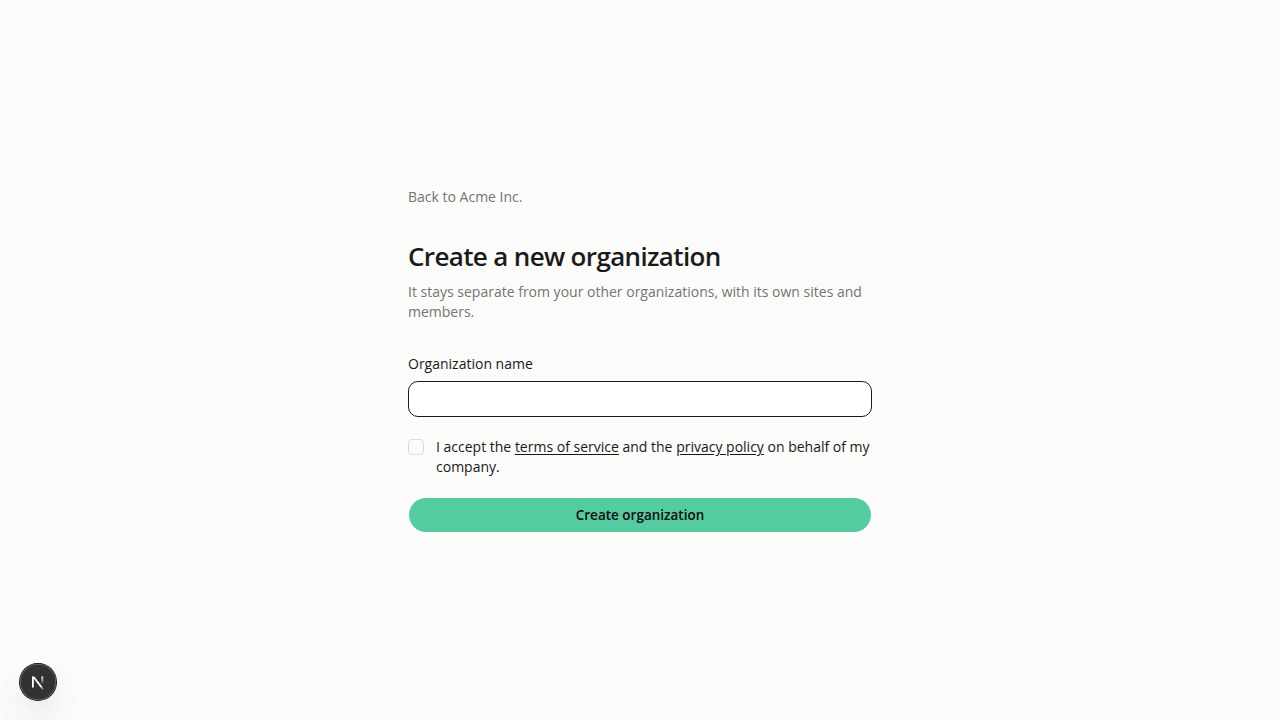
Create organization works, and organizations get their own setup step
ChangedCreate organization now does something. From the organization switcher, it opens a form where you name a new organization and accept the terms. If you already had an organization with sites, the old link sent you back to your dashboard. The new page has a Back link, and the organization it creates stays separate from your others.
Setup is two steps. The first sign-in now asks for your organization's name, then for your storefront address. Before, the organization was named after your first storefront. That naming is gone, so the review screen no longer shows an Organization row. You can rename an organization from its profile.
Pending invitations show up. If someone invited you and you signed up without using the email link, the organization step lists the invitation with a Join button, so you don't end up in a duplicate organization.
Members wait for an admin. If you join an organization that has no site and your role can't add one, you now see a waiting screen that names the organization's admins. You are no longer dropped into someone else's analysis or review.
The last site can't be deleted. An organization keeps at least one site. On the last one, Delete site is disabled and explains why. DELETE /api/v1/sites/{siteId} answers 409 with the code last_site.
Resources