Custom headers on connectors and a new Adobe Commerce connector
AddedConnectors can now send custom request headers, and Adobe Commerce has its own connector type.
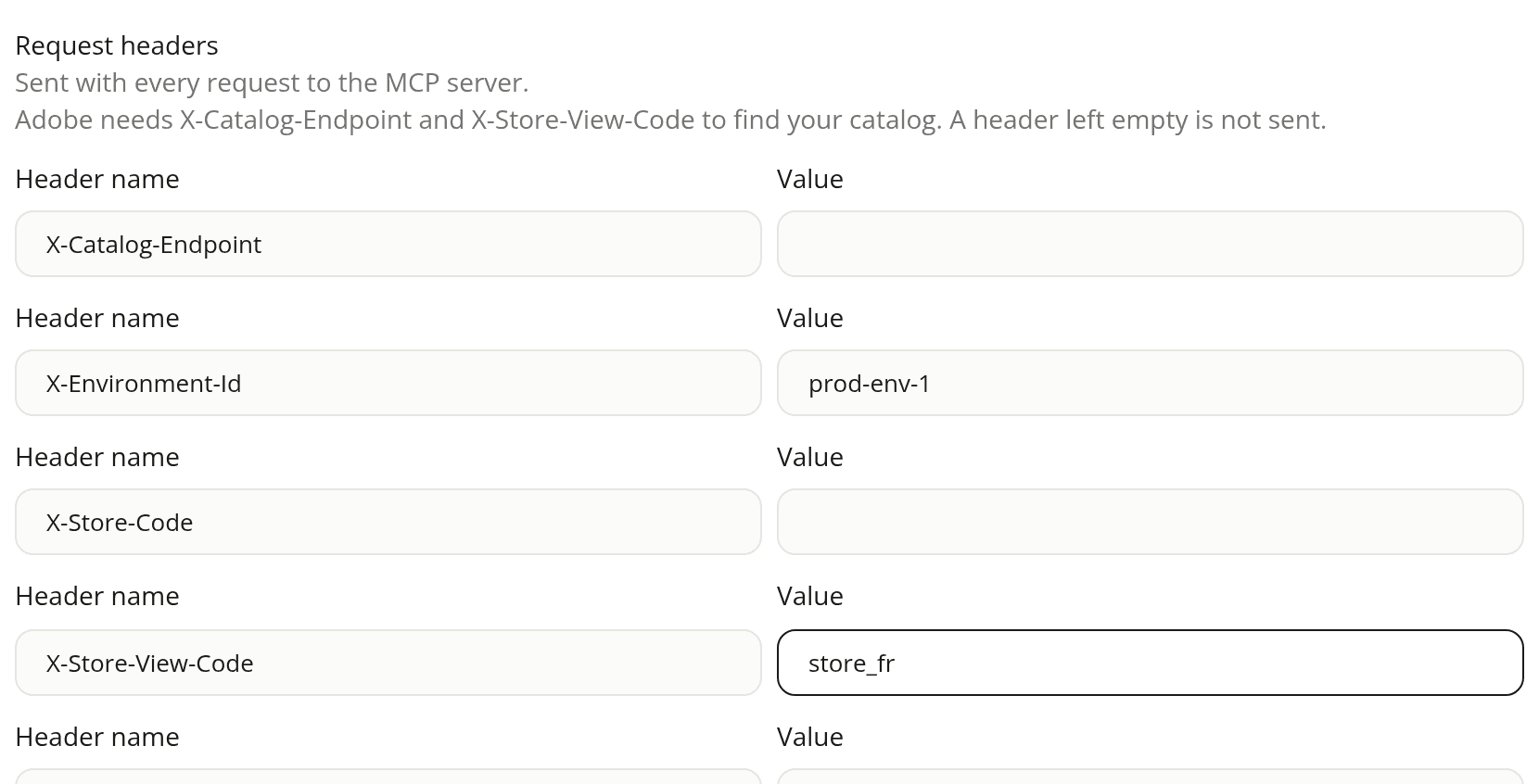
- Request headers: every connector type except Shopify has a new section on its form. Add a name and a value, and switch on Secret for a sensitive value: it is stored encrypted and never shown again, while other values are shown back when you edit. You can add up to 20 headers. Names the connection sets itself, such as
HostorAuthorization, are refused. - Adobe Commerce: paste your Storefront MCP URL and the five Adobe headers (
X-Catalog-Endpoint,X-Environment-Id,X-Store-Code,X-Store-View-Code,X-Website-Code). The catalog needsX-Catalog-EndpointandX-Store-View-Code. Product link, image attribute and cart link settings let the assistant show product cards from Adobe's results.
Catalog and cart tools are on by default. Checkout, order lookup and identity tools start off, so the assistant doesn't collect personal data or place orders in the chat unless you turn them on.
Adobe still labels its Commerce MCP as "Coming Soon" and subject to change, so the type shows as Early access. Onboarding doesn't detect Adobe Commerce sites: add the connector by hand, and set the site URL, which the default product link uses.
See Connectors for the setup steps.
Resources