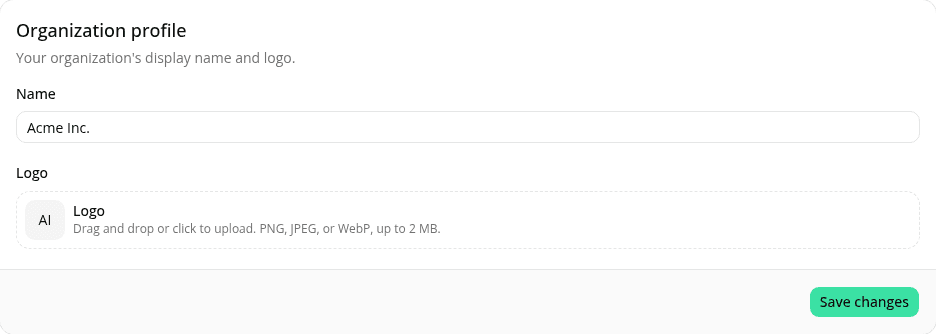
Drag and drop to upload your organization logo
ChangedThe Logo field in the Organization profile card (Settings, Admins only) now accepts a file dragged from your computer and dropped directly onto it; the field highlights while you're dragging over it. Click-to-browse still works exactly as before.
A dropped file goes through the same checks as one picked with the file browser: PNG, JPEG, or WebP, up to 2 MB. A file that fails either check shows an error and doesn't change your current logo.
See Upload or change the logo for the full walkthrough.
Resources