Test an agent version against a library of scenarios
AddedChecking that an agent still behaves after an instructions or configuration change used to mean replaying conversations by hand in the playground, one message at a time. There was no repeatable way to catch a regression before it reached shoppers.
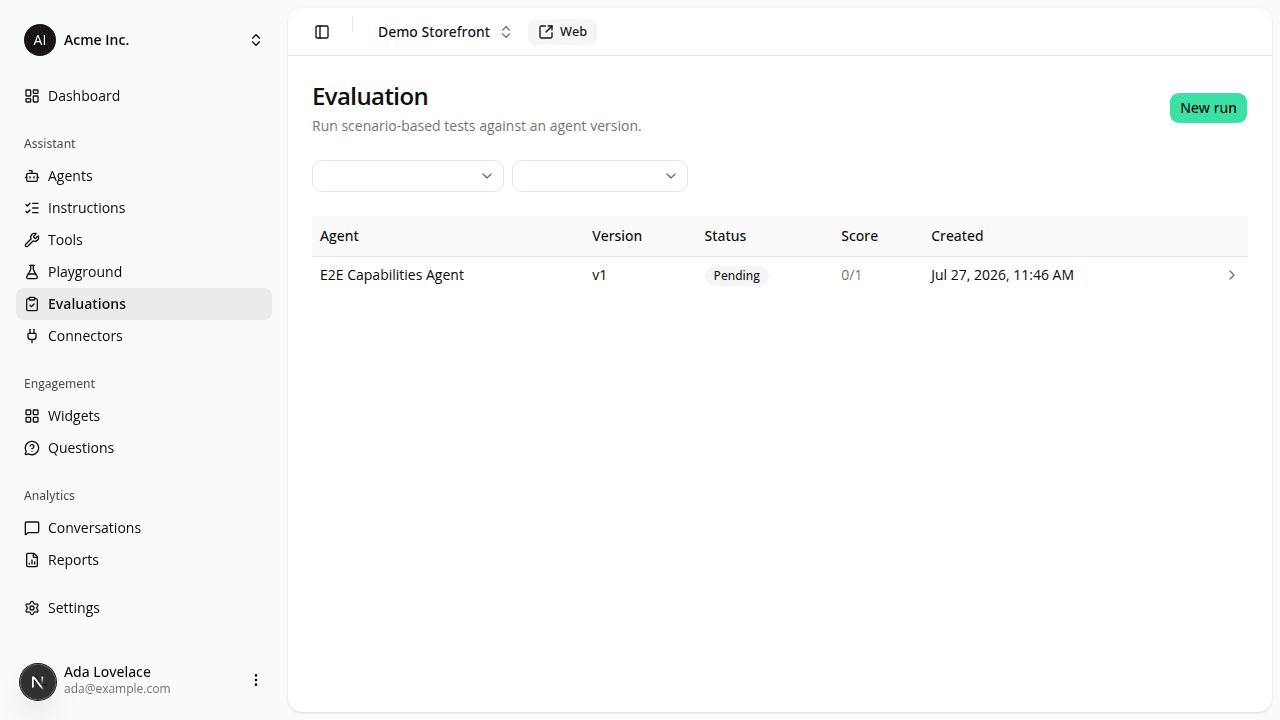
Evaluation, a new section in the dashboard sidebar, fixes that. Pick an agent and a specific version, tick the scenarios you want to test against it, and launch a run. It plays each scenario's shopper message(s) through that version's real instructions, connectors, and chat tools, then grades the result. A quick-launch entry point on each agent's own detail page (a new Evaluation tab) pre-fills that agent so you don't have to look it up again.
Two scenario sources: native scenarios, built-in and curated by iAdvize (prompt injection resistance, brand-voice consistency, language matching, and (for Shopping assistant agents) product discovery, comparison, promotions, and edge cases), selectable per run but never editable; and your own custom scenarios, each combining a scripted shopper message with an optional free-text description of what a good reply looks like (graded by an LLM judge) and optional deterministic checks: a specific tool must be called, specific text must or must not appear, shown products must stay under a price ceiling, or the reply must be in a given language. A run covers up to 50 scenarios.
A run executes in the background, so it doesn't tie up your browser tab: the results screen updates itself until every scenario has a verdict. Each scenario's result shows pass/fail, the outcome of every deterministic check, the judge's reasoning where applicable, and the full transcript, with a filter to jump straight to failures and a pass ratio per category.
See Evaluation for the full guide.
Resources