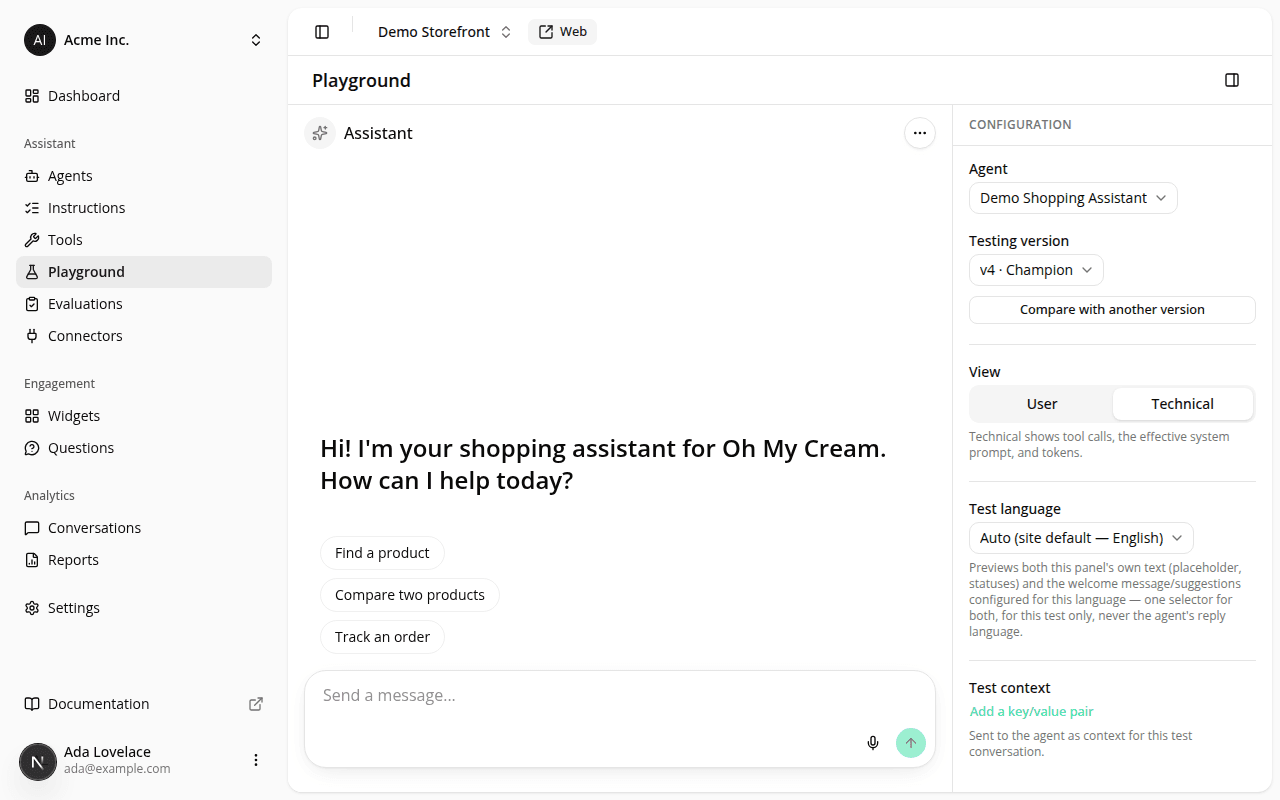
Speak instead of type, with the composer's new microphone button
AddedCorrected the next day
This entry originally said dictation was on by default, for every agent, with no setting to turn on. That changed on 2026-07-23: dictation is now an opt-in, off-by-default capability you enable per configuration version; see the 2026-07-23 entry for what changed and why. The rest of this entry (the microphone button itself, and how transcription works) still holds.
The chat composer now has a working microphone button. A shopper (or you, testing in the playground) can click it, speak, and the transcribed text appears in the composer exactly as if typed.
It works on all three chat surfaces: the dashboard playground, the hosted public page, and the embedded widget. Transcription happens entirely in the browser, using its own built-in speech recognition. No audio or transcript is ever sent to iAdvize's servers. Only the resulting text is sent, once the message is submitted, identical to anything typed by hand.
The mic button appears wherever the browser supports it (it won't show in Firefox, which has no built-in speech recognition; see the 2026-07-23 entry for the per-version setting that now also gates it). For the embedded widget specifically, our loader now grants its iframe permission to use the microphone, so this works out of the box on your storefront too. See the embed guide for the one edge case where your own site's settings could block it.
Resources