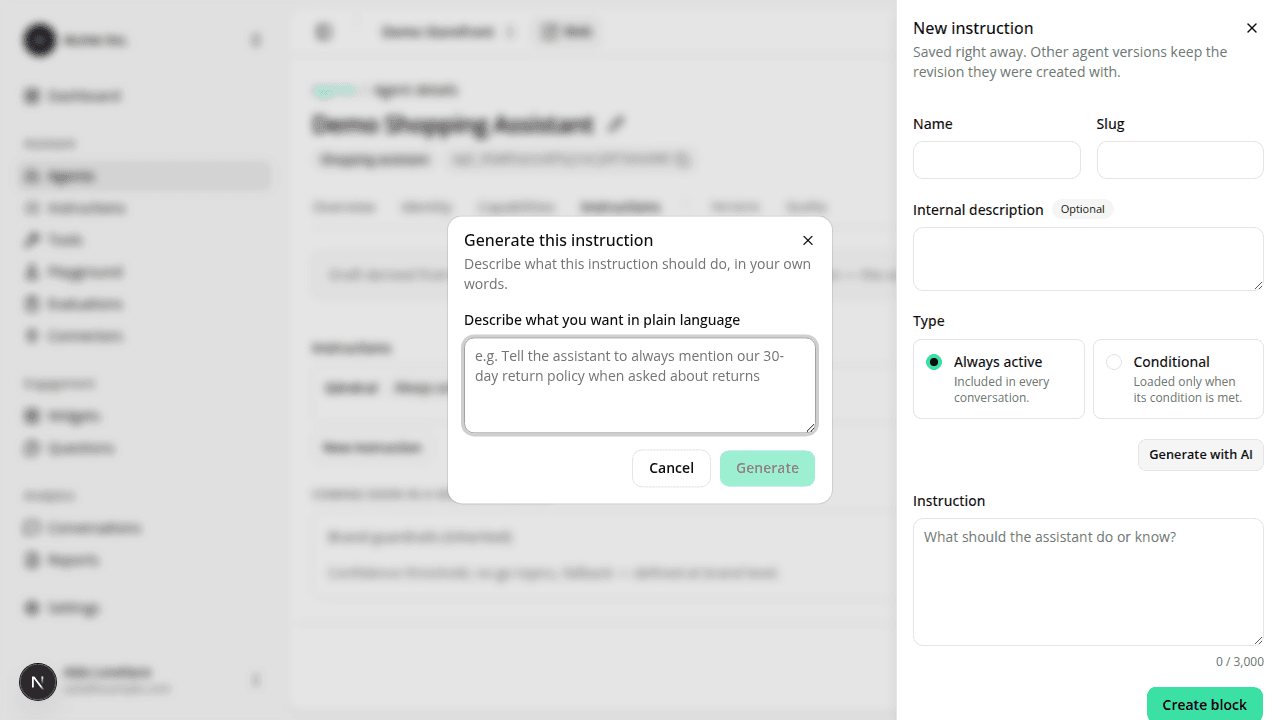
The AI-assist dialog no longer closes the instruction panel behind it
FixedWriting a new instruction from the version editor's side panel, then clicking Generate with AI to get a draft, could close the panel itself instead of opening the AI dialog on top of it. Closing the panel took whatever you'd already typed (like the instruction's name) with it.
The panel now stays open and visible behind the Generate dialog, exactly as designed: closing the dialog returns you to the panel with your fields intact.
Resources