Turn on two-factor authentication for your account
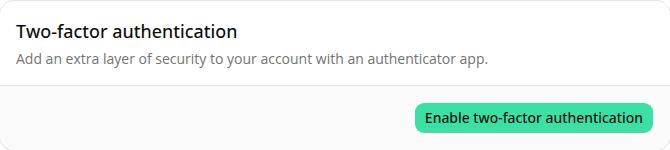
AddedAccount → Security has a new Two-factor authentication card, next to Change password and Active sessions.
Turn it on with Enable two-factor authentication: scan the QR code with an authenticator app (or enter the secret manually), then confirm with the 6-digit code it generates. Once confirmed, your account requires that code at sign-in, on top of your password.
Changed your mind mid-setup, or lost too many attempts at the confirmation code? Cancel and start over. Nothing is enabled until a code is confirmed.
Turn it off any time with Disable. This is entirely your own choice. Nobody else on your organization's account is affected, and there's no setting for an admin to require it org-wide.
Resources