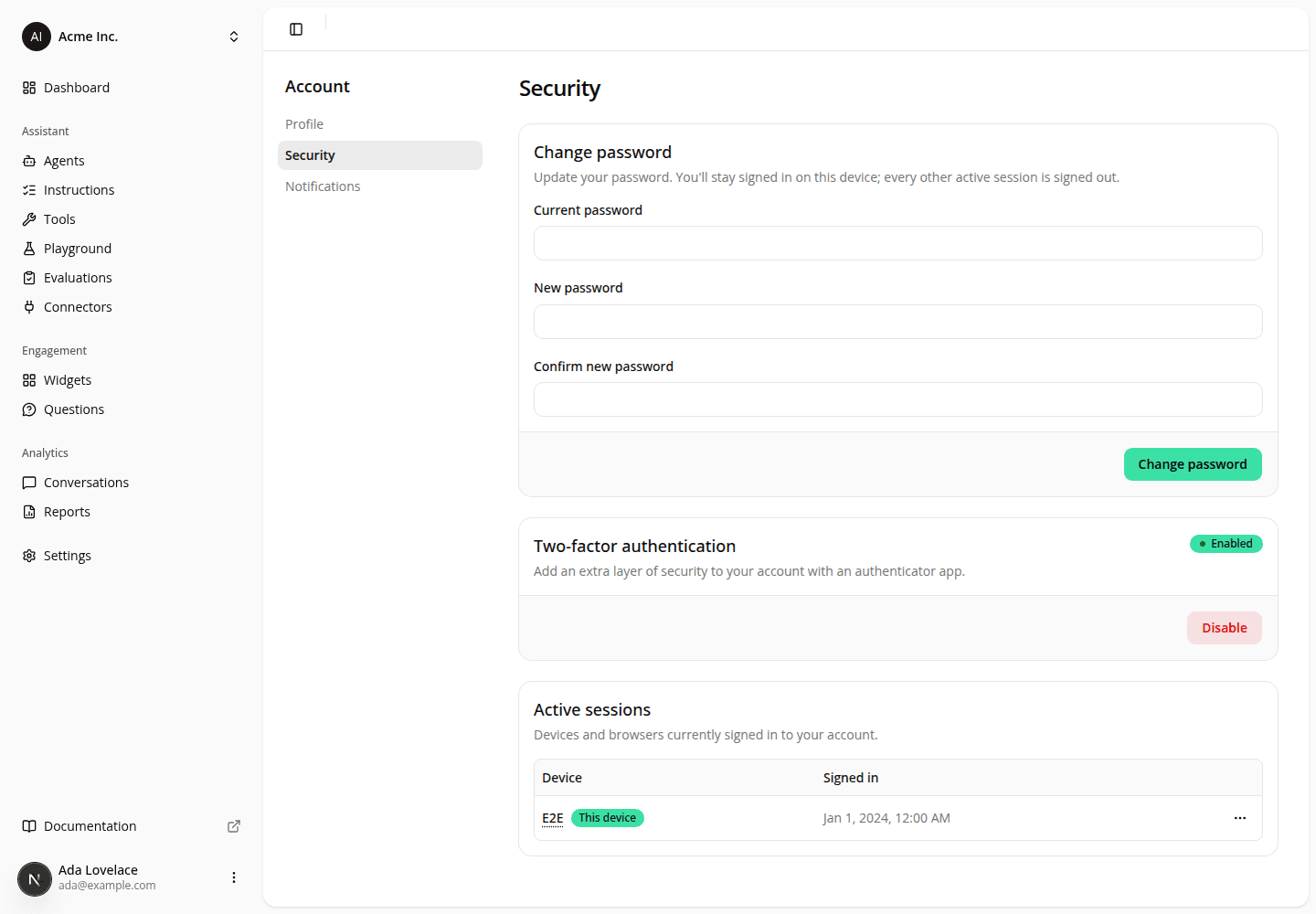
Turn two-factor authentication off however you signed in
FixedRemoving two-factor authentication is your only self-service way out of a lost or wiped authenticator app. Two things stood between you and the Disable button on Account → Security.
The button could disappear entirely. Turning two-factor on requires signing in with your email and password, and the card applied that same rule to everything it offered. So if you enabled two-factor with your password and later signed in through Google, Microsoft, or SSO, the whole card collapsed to "You sign in through an external provider. Two-factor authentication isn't available here", with no way to turn it off. The card now shows Disable whenever two-factor is on, whichever way you signed in. Turning it on still needs a password sign-in; that part is unchanged.
Disabling no longer asks you to prove who you are again. It used to require that you had signed in within the last 5 minutes, and sent you through the sign-in screen when you hadn't. That round trip usually handed you straight back without asking for anything, so it counted as no fresher than before and the check failed again, leaving people who had simply been signed in a while unable to remove their own factor at all. The check is gone. Click Disable, confirm, and two-factor is off right away, however your session was established.
Instead of standing in the way, we now tell you afterwards. Whenever two-factor is removed from your account, we email your account's address to say it happened: signing in no longer asks for a code, so if it wasn't you, turn two-factor back on and change your password. Two-factor is already off when that email goes out, so treat it as a heads-up rather than an approval step, and if it doesn't arrive, Account → Security is what tells you where you stand.
Resources