A refused new password no longer strands you on the two-factor code form
FixedFour fixes on Account → Security.
A refused new password left you stuck on the code form. With two-factor authentication on, changing your password asks for the 6-digit code from your authenticator app before the new password is checked. So when the new password was refused (too short, or found in a known data breach), the reason landed on a form whose only field was the code, with nowhere to correct the password. Every retry from there reported "That code is incorrect" no matter what you typed, because the verification behind that form can only be used once. Backing out with Cancel did return you to the password form, but silently: the reason was dropped on the way, so nothing on screen said your new password had been refused.
Now any failure that isn't a wrong code takes you back to the password form and brings the reason with it. Your three password fields are still filled in as you left them: correct the new password, submit again, and you'll be asked for a fresh code.
Only a wrong code now says the code is wrong. Every failure on that step used to read "That code is incorrect", including failures that had nothing to do with your code: too many attempts in a short window, or an outage at our identity provider. Those now return you to the password form with "Could not change your password. Please try again.", so you retry the change rather than retype a code that was fine. A genuinely wrong or expired code still says so, on the code form, where you can try again.
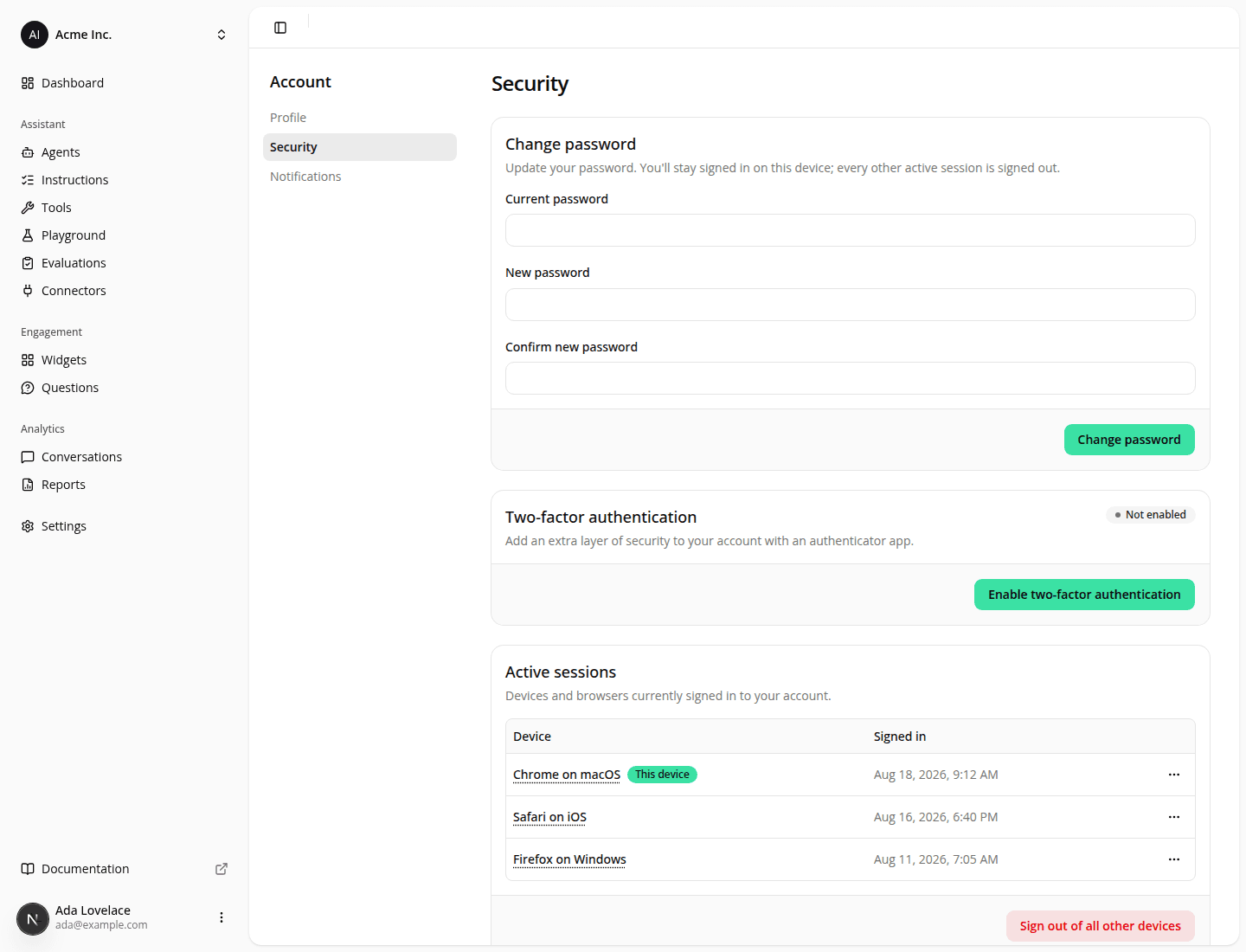
Signing other devices out no longer stops at the first failure. Sign out of all other devices (and the sign-out a password change performs for you) worked through your sessions one at a time and gave up as soon as one of them failed. The rest stayed signed in, and after a password change they were still usable with the old password, while all you saw was a generic error. Every session now gets its own attempt. If any still fail you get "Could not complete this action. Please try again.": reload the page to see which sessions are left, and run it again.
The Active sessions list refreshes itself after a password change. It used to keep listing the sessions the change had just signed out, and to keep offering to sign them out, until you reloaded the page.
Resources