The 6-digit code field looks the same everywhere you're asked for one
ChangedAccount → Security asks for a 6-digit authenticator code in two places: when you set two-factor authentication up, and when you change your password with two-factor already on. The two fields didn't match.
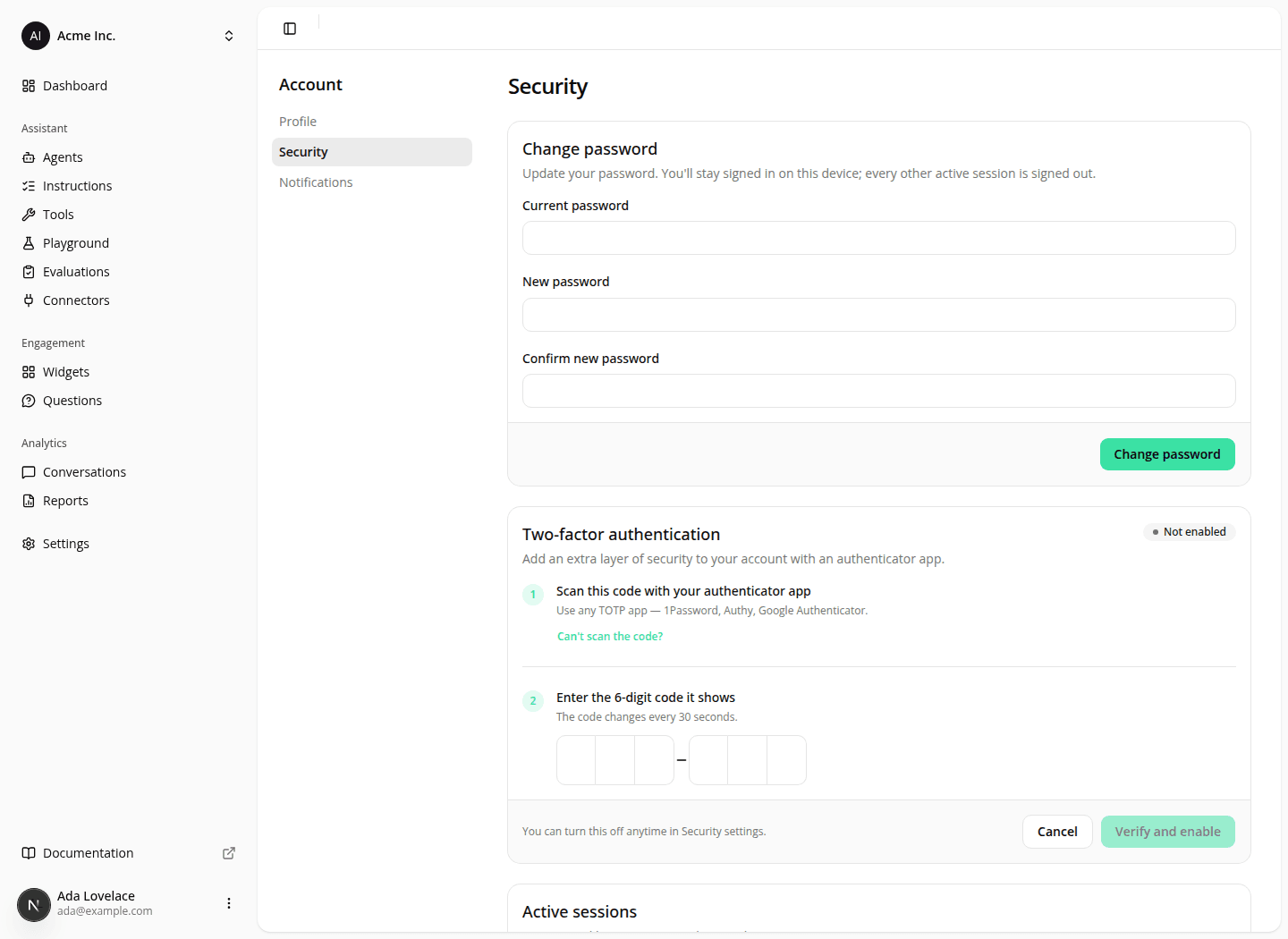
Setting two-factor up gave you a large field split into two groups of three digits with a dash between them. Changing your password gave you six small boxes in a single run: the same field, a third of the size, in a flow you reach far less often and where a mistyped digit is easier to miss.
Both now use the larger split field. Nothing about entering the code changes: paste all six digits at once or type them one at a time, and Verify stays greyed out until all six are in.
Nothing to change on your side.
Resources