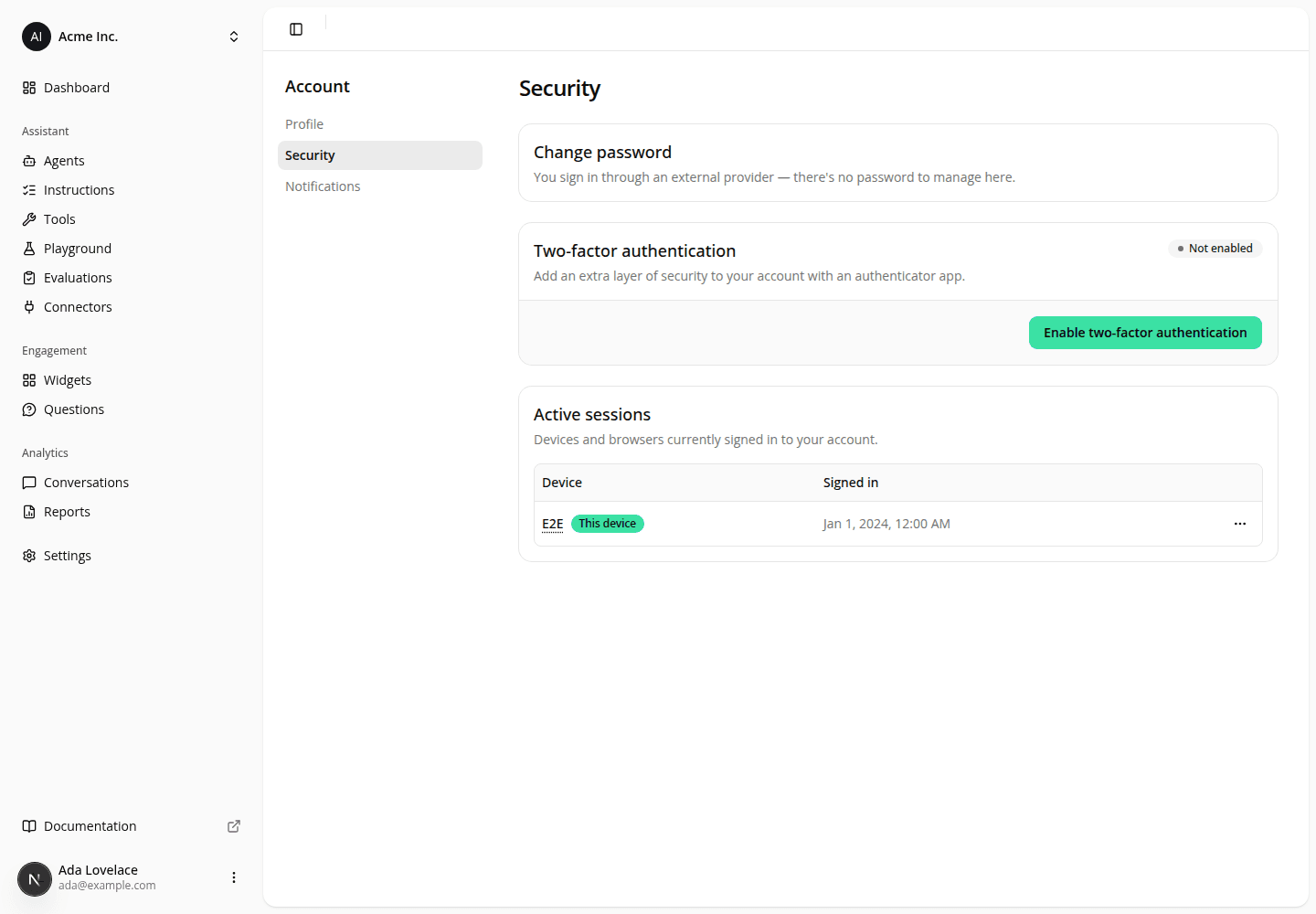
Turn two-factor authentication on when you sign in with Google or Microsoft
ChangedIf you sign in to the dashboard with Google or Microsoft, Account → Security refused to let you turn two-factor authentication on. The card showed "You sign in through an external provider. Two-factor authentication isn't available here", with no Enable button. The only way to get a factor onto your account was to sign in with a password first, and if your account never had one, there was no way at all.
That restriction was a precaution, and it turned out to be unnecessary. A second factor belongs to your account, not to one way of signing in: once it's on, the sign-in screen asks for your code whichever route you take in, Google and Microsoft included. So refusing to set it up from a Google session protected nothing, while denying two-factor to exactly the people who had no password to fall back on.
Enable is now offered when you sign in with Google or Microsoft, on the same card and with the same steps: scan the QR code, enter the 6-digit code, done. Nothing changes for password sign-ins.
Enterprise SSO is the exception. If your organization signs you in through its own identity provider, the card says so and offers no Enable button. Your organization's multi-factor policy is applied by that identity provider, and this page can't layer another one on top of it, so ask whoever administers it rather than setting something up here.
One thing has been taken away, and it's worth naming: when an iAdvize support engineer is viewing your account as you, the card now reports whether two-factor is on and offers neither Enable nor Disable. It could previously turn your two-factor off from inside that session. If you're locked out of your authenticator and need us to reset it, we now do that through our identity provider instead: a deliberate, recorded action rather than a click in a session that looks like yours. This replaces what an earlier note said about Disable showing whichever way you signed in; for your own sessions, that's still true.
Nothing to change on your side. An existing factor keeps working exactly as before.
Resources