Accepting an invitation no longer ends on an error page
FixedA teammate you invited clicked the link in their invitation email, filled in the hosted sign-up screens, and then, instead of the dashboard, got a page of raw technical text: "Something went wrong. Couldn't sign in." Nothing to click, nothing saying what to do next, and no way to tell whether their account had been created.
The last step of any sign-in checks that the flow started on iAdvize. That check is what stops a sign-in link crafted elsewhere from opening a session in your browser. Invitation emails sent people straight to the hosted screens without passing through iAdvize first, so there was nothing for that final check to match, and the sign-in was refused at the very last step, after the person had already done all the work.
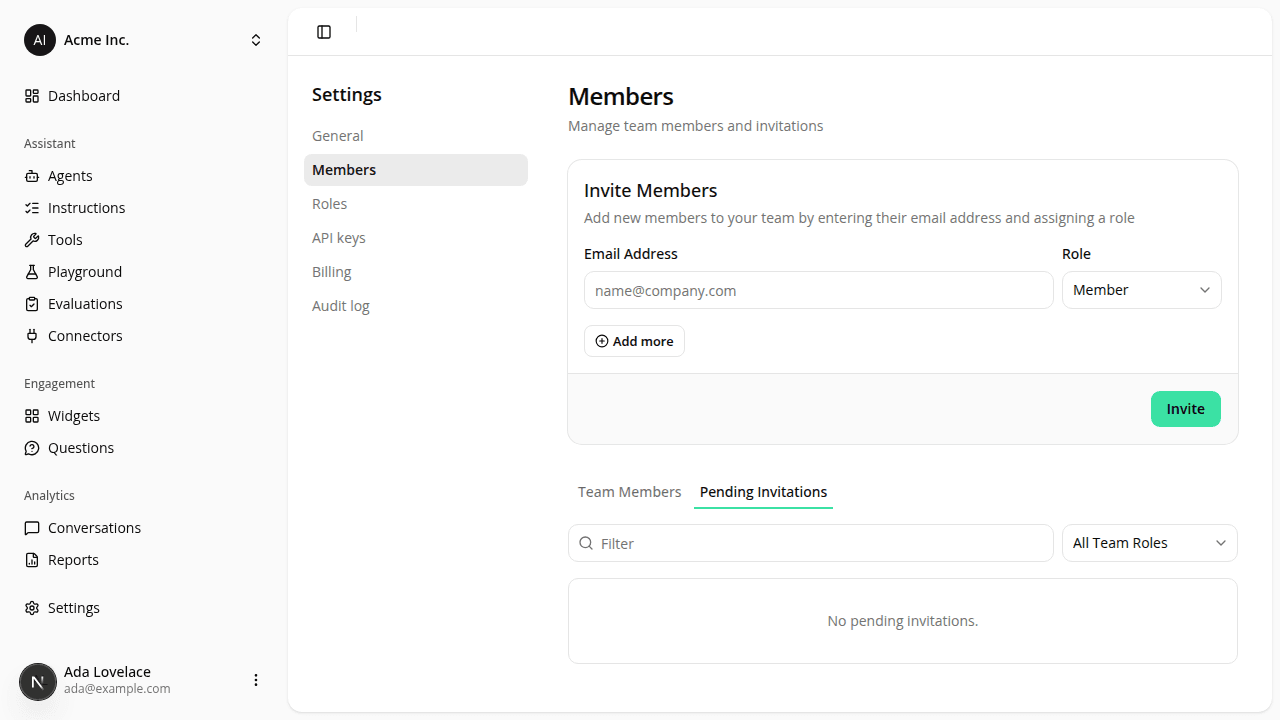
Invitation links now open iAdvize first. It starts the sign-in properly and passes the invitation on to the hosted screens, so the invited person still gets their own invitation and lands on the dashboard at the end of it. Nothing to change on your side. Someone who hit the error can just open the link in their email again; if the invitation has since expired, use Resend invitation in Pending Invitations.
Any sign-in that still fails that check now quietly starts over instead of showing the error page. That covers the other ways to trip it: a password-reset link opened from an email, or a sign-in left half-finished long enough for the check to lapse while you wait on an emailed verification code. If your browser is blocking our cookies, starting over can't help either; in that case you now get a short page saying exactly that, with a link to try again, rather than a technical error.
Resources