Step through conversations without going back to the list
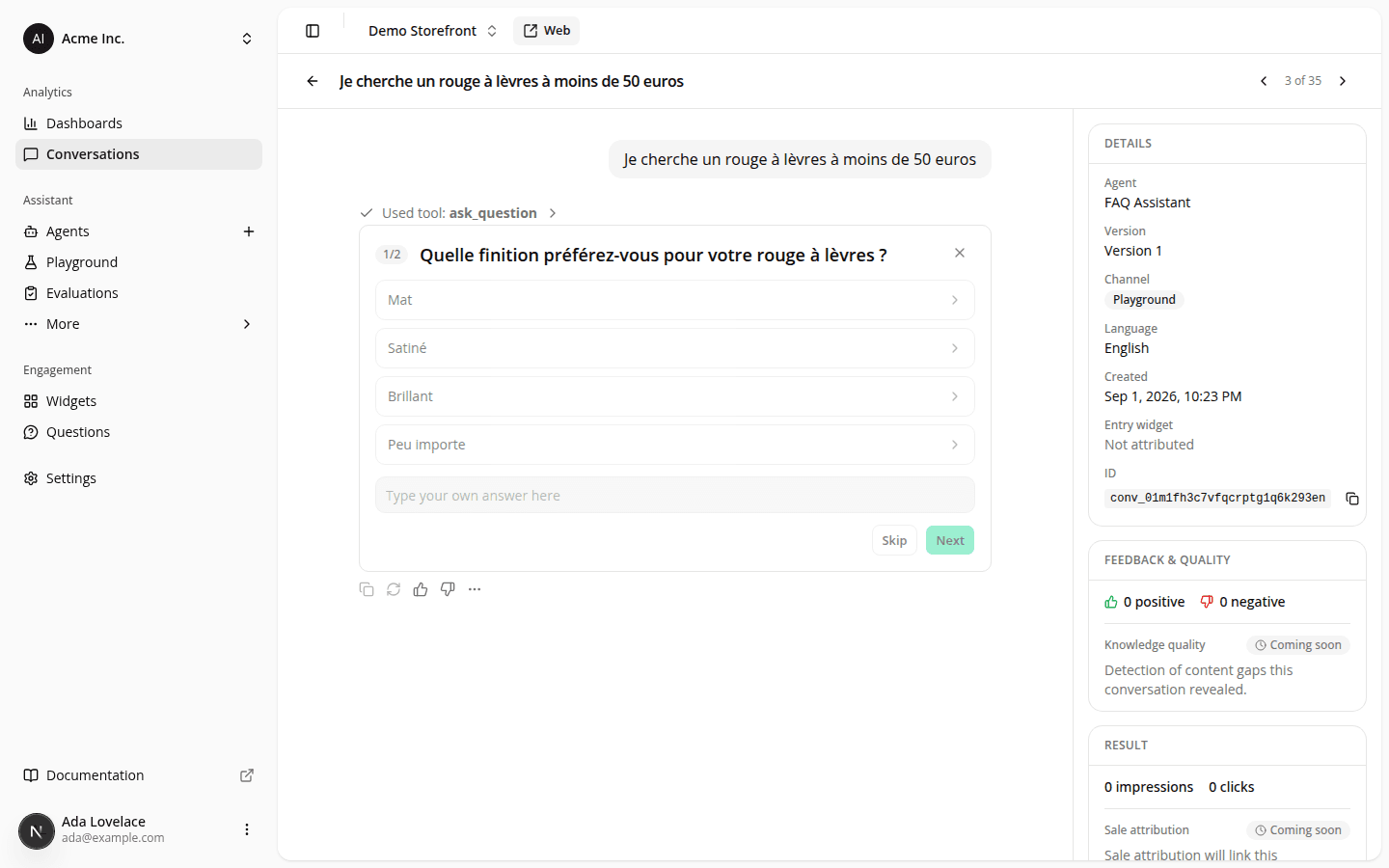
AddedReviewing conversations one after another used to mean a click back to the list and a re-hunt for the row you'd just read, every single time. Open a conversation from the Conversations table now, and the header gains Previous and Next arrows next to the title, with a count showing where it sits in the list you were looking at: same search, filters, sort, and date range, carrying on across pages.
The ← and → arrow keys do the same thing as the buttons. Hover either one to see its shortcut. It won't fire while you're typing in a field, with a dialog or the mobile Details panel open, or while you're holding a modifier key, so your browser's own back/forward shortcuts still work.
The back link is fixed too: it now returns you to the list with your filters, sort, and page intact, instead of resetting to the unfiltered table.
These arrows only show up when you reach a conversation by clicking a row on the full Conversations table, not from a report, the Quality report's ratings list, or a bookmarked link, since those don't carry the same filtered list along with them.
Resources