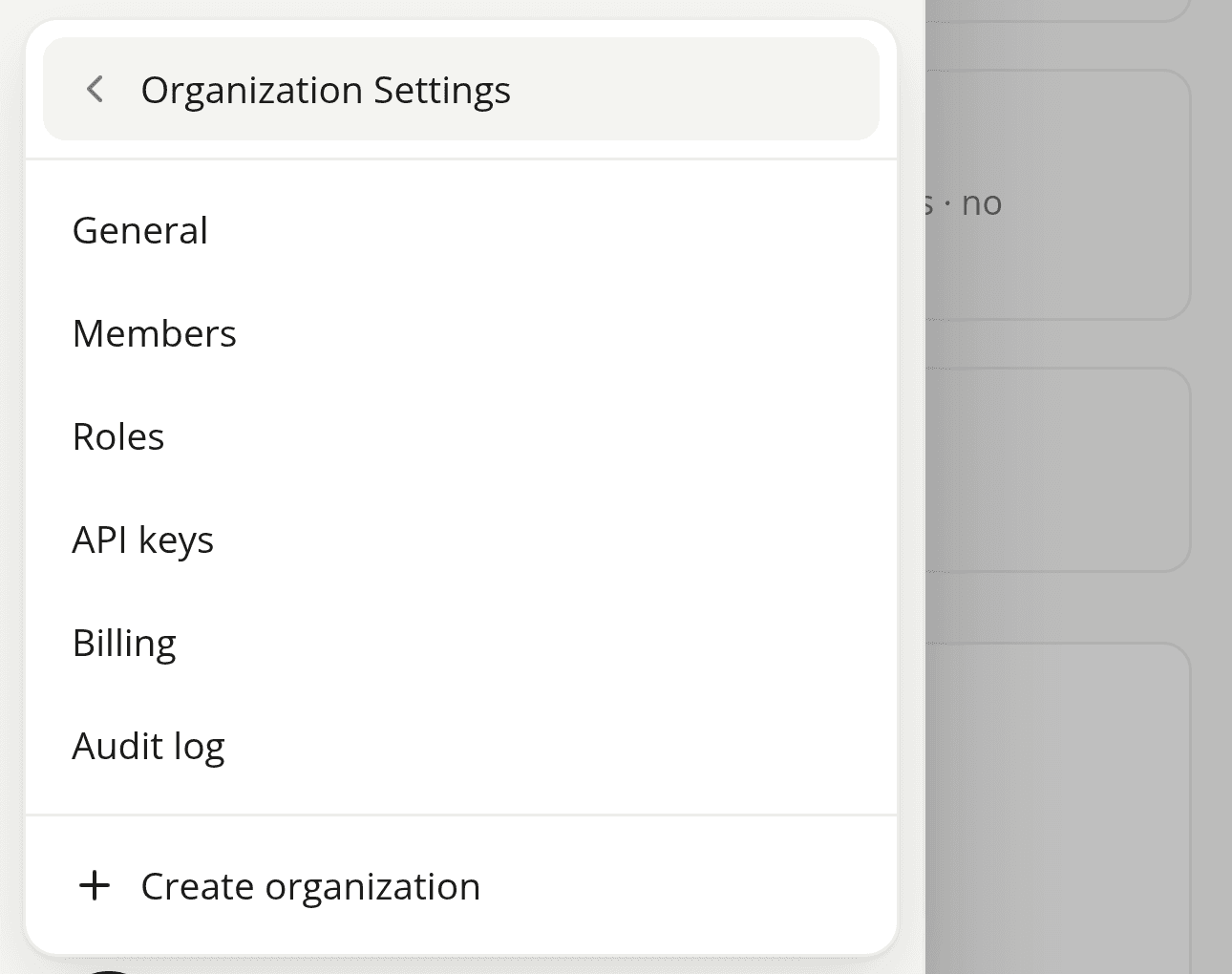
Organization Settings no longer clips off the edge of the screen on a phone
FixedOn a phone, clicking your account menu at the bottom of the sidebar and then Organization Settings tried to open a panel beside the menu, the same way it does on a wider screen. There was nowhere for it to go (the menu itself barely fits a phone screen, let alone a second panel next to it), so the panel opened off the edge of the screen instead. General, Members, Roles, API keys, Billing, Audit log, and Create organization were all in your organization already, just not reachable from a phone.
Organization Settings now swaps the menu's own content for the settings destinations instead of opening a second panel. A back arrow sits next to the title; tap it (or an item, once you're where you're going) to return to the rest of the menu. Which destinations you see hasn't changed: it's still the same list, filtered to what your role gives you access to.
Nothing changes on a tablet or a desktop screen: Organization Settings still opens beside the menu there, exactly as before.
Resources